Types of Operating Systems
The operating system has an important role today in supporting the development of information technology. This is because almost all developed applications currently running on the above operating systems. The operating system is a program that controls all the functions available on the computer. The operating system became the basis for user application development platform. In general, all operating systems have the following four functions.
– Control access to a variety of hardware connected to the computer. (Management of hardware)
– Management of files and folders (file and folder management)
– Provision of the user interface as a bridge between users with computer hardware (Management user interaction)
– Management of user applications (Application Management)
Control Hardware
Access to a variety of hardware connected to a computer provided by the operating system through an application known as the driver. Each driver designed to control the hardware. Installing these drivers do their own application operating system during installation or when the hardware is connected to the computer. Installation mechanism automatically when the device is connected is known as the Plug and Play (PnP).
File and Folder Management
This is made possible by the operating system during installation because the operating system is no process to format the hard drive. Through the process of hard drive space will be laid out in such a way so as to have certain blocks to save the file. This process is similar to the placement of shelves at empty space to be filled books later. A file is a collection of blocks that are interrelated and have a name. The folder is a container that can contain files or other sub-folders. Each of the files related to the computer program are placed in separate folders for easy file search.
Interaction Management
Users can use a computer via the application of existing (installed) on the computer. Each application provides an interface for receiving a possible interaction from the user. There are two types of interfaces that can be used to interact with the user, namely:
– Command Line Interface (CLI)
User interaction with the system is done by typing a series of sentences to be done by computer command.
– Graphical User Interface (GUI)
Here the user interaction is done through a set of menus and icons that can be selected by the user to give commands to the computer.
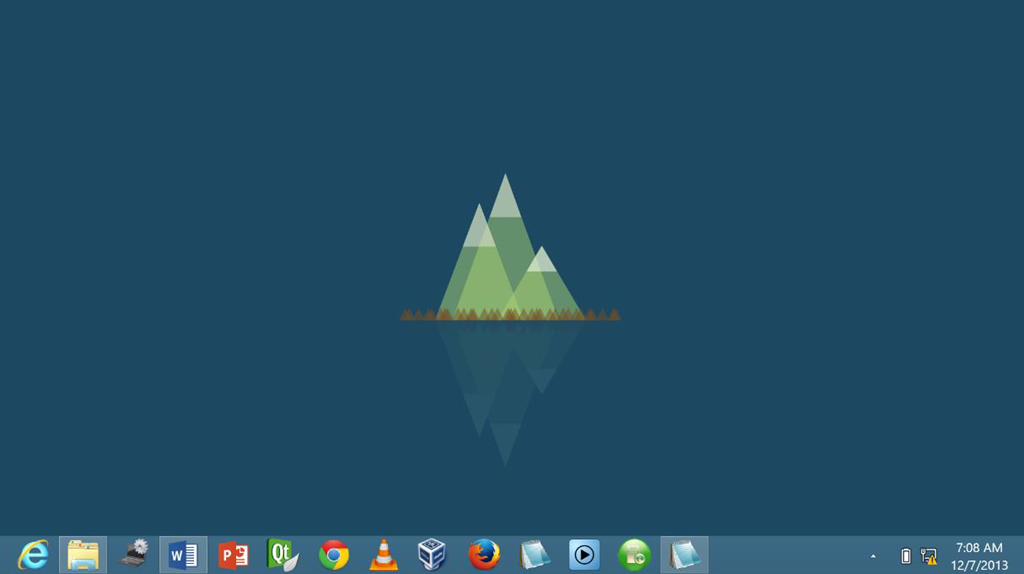
Figure 3. Display GUI Windows Operating Systems
Application Management
Any application that is run by the operating system to find the location of the program file and meindahkan contents into memory and then send each command on the file to be run by a computer. Here the user application is an application used by the user to accomplish a specific purpose. Management functions in user applications may include:
– Install, the process of putting the program files on the computer system, including the configuration of the program.
– Uninstall, the process for deleting files as well as the configuration of the computer program.
– Update / Upgrade, the process of updating the files of the programs you have installed.
In addition to having the function of management above-fungi, modern operating systems can also have the following capabilities:
– Multi-user – two or more users can work together to mutually share the use of applications and resources such as a printer at the same time.
– Multi-tasking – the operating system can run more than one application user.
– Multi-processing – the operating system may use more than one CPU (Central Processing Unit).
– Multi-threading – each program can be broken down into threads and then can be run separately (parallel) by the operating system. This capability is also included as part of a multitasking application.
Operating system 32-bit and 64-bit
There are two differences between the operating system 32-bit and 64-bit.
– 32-bit operating system can only accept a maximum of 4 GB of RAM, while the 64-bit operating system is able to use more than 128 GB of RAM.
– Memory management of 64-bit systems is also better, so it can run on a faster application process. Windows, Ubuntu and openSUSE are some examples of operating systems that support 32-bit architecture.
Judging from the use of the operating system can be divided into two major groups, namely:
– Desktop operating system, which is widely used in offices, Small Office / Home Office (SOHO), the number of users that a little.
– The operating system network, Network Operating System (NOS), designed to serve the user in large numbers for various purposes and is widely used in large-scale enterprises.
